Best Automation Tools for Small Businesses: Zapier, Make, and n8n Compared by Real Workflow Fit
Automation sounds glamorous until you are the person who has to maintain it.
For most small businesses, the real question is not "Which automation platform has the most features?" It is, "Which one will actually save us time next month without creating a fragile side project?"
That changes how you evaluate the category.
If you are building a shortlist, start with the Automation Tools category, skim the broader tools directory, and keep our software evaluation scorecard template nearby. If the choice is already down to visual workflow builders, the existing n8n vs Make comparison is also worth opening in another tab.
This article focuses on three realistic choices for a small business team:
- Zapier if speed and app coverage matter most
- Make if you want visual multi-step logic without hiring an engineer
- n8n if you want deeper control and can tolerate a more technical setup
I am deliberately not turning this into a 17-tool roundup. Most small businesses do not need more options. They need one platform that matches the kind of work they repeat every week.
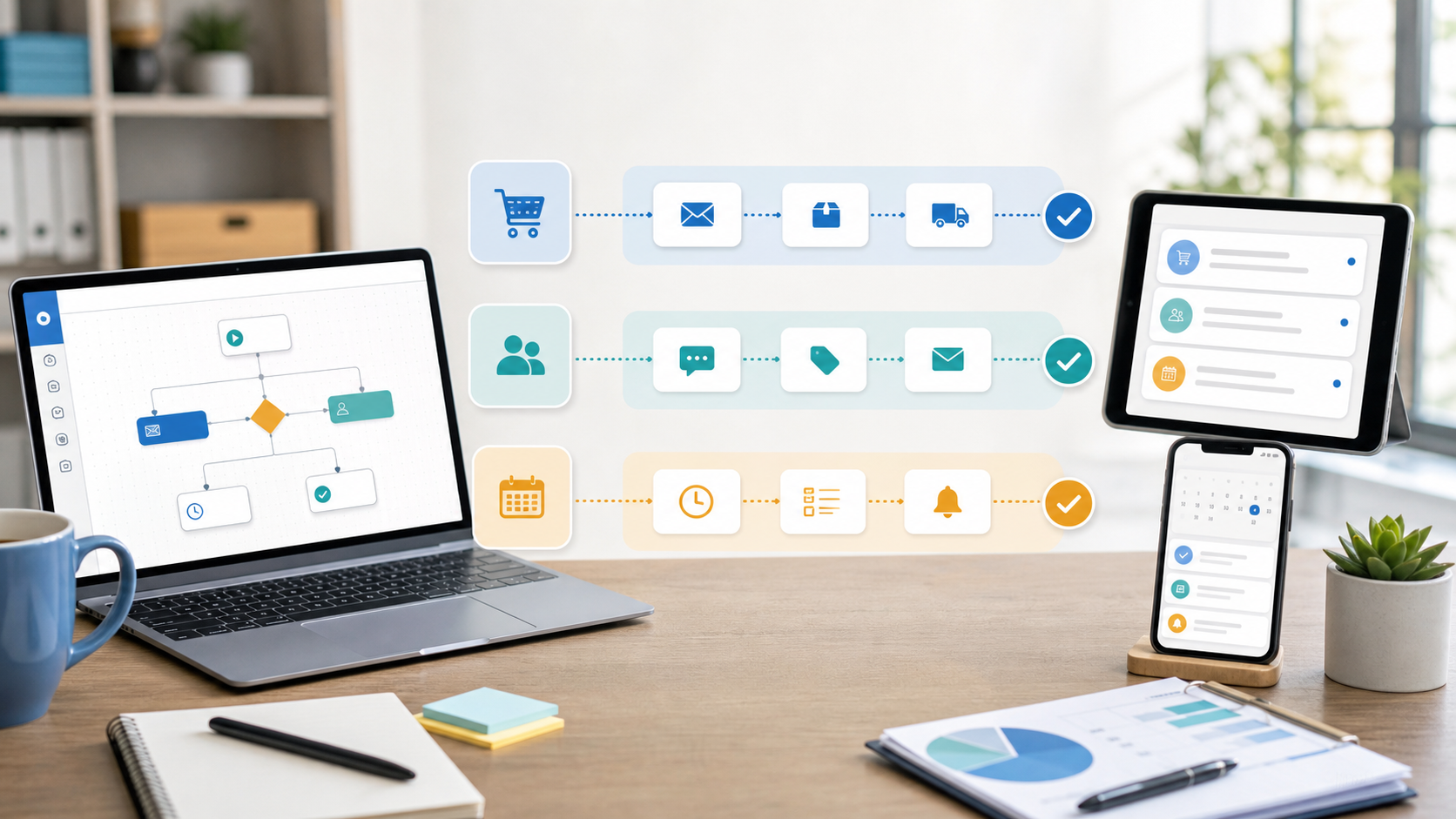
What Small Businesses Usually Need From Automation
The common use cases are not especially exotic:
- send leads from a form into a CRM
- alert the team when a customer pays or cancels
- copy ecommerce orders into a spreadsheet or Slack
- create tasks from emails, meetings, or support tickets
- move data between a few tools that were never designed to cooperate
The wrong platform does not fail immediately. It usually fails one layer later.
The first workflow works. The second one becomes messy. Then someone adds one condition, one formatter step, one approval path, and one workaround for a field mismatch. Suddenly the automation is technically live but nobody trusts it enough to build on top of it.
That is why small businesses should compare automation tools on workflow fit, not on abstract power.
Quick Answer
If you want the short version:
| If your business needs... | Best fit | Why |
|---|---|---|
| The fastest path from "manual task" to "working automation" | Zapier | Clean setup, broad app ecosystem, and low friction for non-technical users |
| Visual scenarios with branching, routing, and data transformation | Make | Strong canvas for operations-heavy workflows that would feel cramped elsewhere |
| More control, custom logic, or self-hosted flexibility | n8n | Better fit when the team is technical enough to benefit from deeper configuration |
That table is enough for some teams. If you are going to build around one of these tools for sales ops, fulfillment, onboarding, or reporting, keep reading.
1. Zapier: Best for the Smallest Learning Curve
Zapier remains the easiest recommendation when the main problem is simple: the team is doing repetitive cross-app work, and nobody wants to become an automation specialist to fix it.
Its strength is not that it can do everything. Its strength is that a non-technical operator can usually understand the logic after a quick walkthrough.
That matters in a small business because the automation owner is rarely a full-time automation owner. It is often an operations manager, founder, assistant, marketer, or sales lead who already has three other responsibilities.
Where Zapier works well
- lead routing from forms to CRM and email tools
- simple notifications between billing, Slack, and task systems
- lightweight onboarding sequences
- one-trigger, one-action workflows with a few filters in the middle
- fast experiments where setup speed matters more than technical elegance
Where Zapier gets less comfortable
- flows that need heavy branching or lots of data manipulation
- automations that become expensive or sprawling as volume grows
- use cases where the team wants deep control over infrastructure or execution logic
The practical reason businesses stay happy with Zapier is not raw capability. It is clarity. When a workflow breaks, the person reviewing it can often tell what happened without decoding a giant logic map.
If your company mostly needs dependable handoffs between mainstream business apps, read the Zapier profile and treat it as the default option unless another tool gives you a specific reason to switch.
2. Make: Best for Operations Teams That Need More Workflow Shape
Make is usually the right upgrade path when the team has moved beyond basic "if this, then that" automation, but does not want to jump straight into a developer-oriented setup.
Its visual builder is the main selling point. You can see routes, branches, data handling, and multi-step logic more clearly than in simpler tools. That becomes valuable when an automation is no longer just passing a record from App A to App B.
Make tends to fit businesses that are coordinating:
- order processing steps
- multi-stage lead qualification
- inventory or catalog updates
- internal approval chains
- workflows that transform data before sending it onward
Why small teams often prefer Make
The interface makes more complex flows feel manageable. You can build something operationally serious without immediately reaching for code.
That said, Make is not automatically easier. It is easier for the kind of user who thinks in systems and conditions. If your team already feels overwhelmed by automation logic, the extra flexibility can become its own tax.
A good rule of thumb
Choose Make when your future workflows are likely to look more like mini-processes than simple handoffs.
If you already expect routers, condition paths, data mapping, and multi-step scenarios to become normal, read the Make profile. And if Make is on the shortlist with n8n, compare the direct tradeoffs in n8n vs Make.
3. n8n: Best for Technical Teams That Want Control
n8n is the most compelling option in this group when the business wants more ownership over how automation is built and operated.
It tends to appeal to technical founders, engineering-adjacent ops teams, agencies, and businesses that are already comfortable with APIs, custom logic, or self-hosted software decisions.
That does not mean a small business cannot use n8n. It means the payoff is highest when the team can take advantage of the extra control.
Where n8n stands out
- custom workflows that outgrow template-driven builders
- technical use cases involving APIs and logic-heavy steps
- businesses that care about hosting flexibility or tighter process control
- teams that want automation to become part of a broader systems stack
Where n8n is the wrong fit
- the team wants non-technical staff to maintain everything themselves
- speed of launch matters much more than long-term flexibility
- the business only needs a few light automations and does not plan to go deeper
The trap with n8n is buying developer-style flexibility before the business actually needs it. That can be the right strategic call, but only if somebody on the team will maintain it with confidence.
If your company likes owning the details and does not mind a steeper setup, review the n8n profile. If not, the more "powerful" choice can still be the worse choice.
How to Choose Based on Your Actual Workflow
Here is the simplest way to decide:
Choose Zapier if...
- you want the fastest time to value
- the team is mostly non-technical
- most automations are standard business app handoffs
- maintainability matters more than edge-case flexibility
Choose Make if...
- you need richer visual workflows
- operations processes involve several conditions or routes
- you want more power than Zapier without making the stack too technical
- one person on the team enjoys thinking through logic maps
Choose n8n if...
- your business has technical confidence in-house
- you expect automation to become a durable operational layer
- APIs, custom logic, and control matter more than fast onboarding
- you would rather own the workflow than stay inside a highly guided system
This is one of those categories where the "best" tool is usually the one that matches the team's maintenance reality.
A platform that saves two hours a week but only one person can safely edit is not necessarily a win. A platform that looks less flexible but can be managed by the actual owner of the process is often the better small-business decision.
Mistakes Small Businesses Make When Buying Automation Software
They automate too early
If the process is still changing every week, document it first. Automation multiplies confusion when the workflow itself is not stable.
They pick based on the first template they see
Templates are useful starting points, not proof that the tool fits your process. The test is whether your messy real-world version still feels manageable.
They ignore who will maintain the workflow
This is the biggest one. The buyer, builder, and future maintainer are often different people. If the eventual owner cannot understand the automation, that becomes a hidden cost.
They compare pricing without comparing workflow depth
Entry-level pricing can distract teams from the bigger issue: whether the tool will still feel workable after five or ten automations. Pricing changes over time anyway, so always verify the current plan structure on the vendor site before buying.
My Practical Recommendation
For most small businesses, the safest sequence is:
- Start with Zapier if your workflows are straightforward and your team wants minimal friction.
- Move to Make when automations start looking like real processes instead of app handoffs.
- Choose n8n earlier only if you already know you want technical control and have the skills to use it well.
That sequence is not about product prestige. It is about operational fit.
The right platform should make next quarter's work calmer, not more interesting.
Final Take
The best automation tool for a small business is the one the team will keep using, keep trusting, and keep understanding after the original setup excitement wears off.
If you want the shortest path to useful automation, choose Zapier. If you need better visual logic and process depth, choose Make. If your business wants real control and can handle more technical ownership, choose n8n.
Shortlist one or two options, run the same real workflow in both, and score them with evidence rather than vibes. That usually makes the decision much clearer.
FAQ
What is the best automation tool for a non-technical small business?
Zapier is usually the easiest place to start because it reduces setup friction and is easier for non-technical teams to understand and maintain.
Is Make better than Zapier for small business workflows?
Make is often better when the workflow has multiple branches, conditions, or data transformations. Zapier is usually better when speed and simplicity matter more than visual depth.
When should a small business choose n8n?
Choose n8n when the business has technical confidence in-house and wants more control over logic, integrations, or hosting flexibility than simpler automation tools usually provide.
How should a small business compare automation tools before buying?
Test the same real workflow in each tool, then compare setup time, clarity, maintainability, and whether the eventual process owner can safely manage the automation after launch.